Mobile Kakobuy Slipper Search Compared
Mobile Kakobuy Slipper Search Compared
Mobile Kakobuy Slipper Search Compared: Website Spreadsheet vs Google Sheets for Finding Travel Slippers on Your Phone
If you're looking for a pair of travel-friendly slippers on your phone, the real challenge isn't usually "whether the product exists", but how to quickly locate candidates, keep track of them, and double-check size, color, price, and availability before placing an order.
This article focuses on a specific task: using the kakobuy1688.org website Spreadsheet or Google Sheets on a mobile device to find travel slipper candidates. After reading, you should be able to do an initial screening, note items for verification, and decide which tool better suits your current stage.
This article does not apply to situations where you've already identified a specific product and need complete inspection photos for judgment, or need real-time confirmation of international shipping costs and destination country customs requirements. Those details should still be based on the product page, warehouse information, and checkout page.
Cover image: Illustration of searching for kakobuy travel slippers on mobile
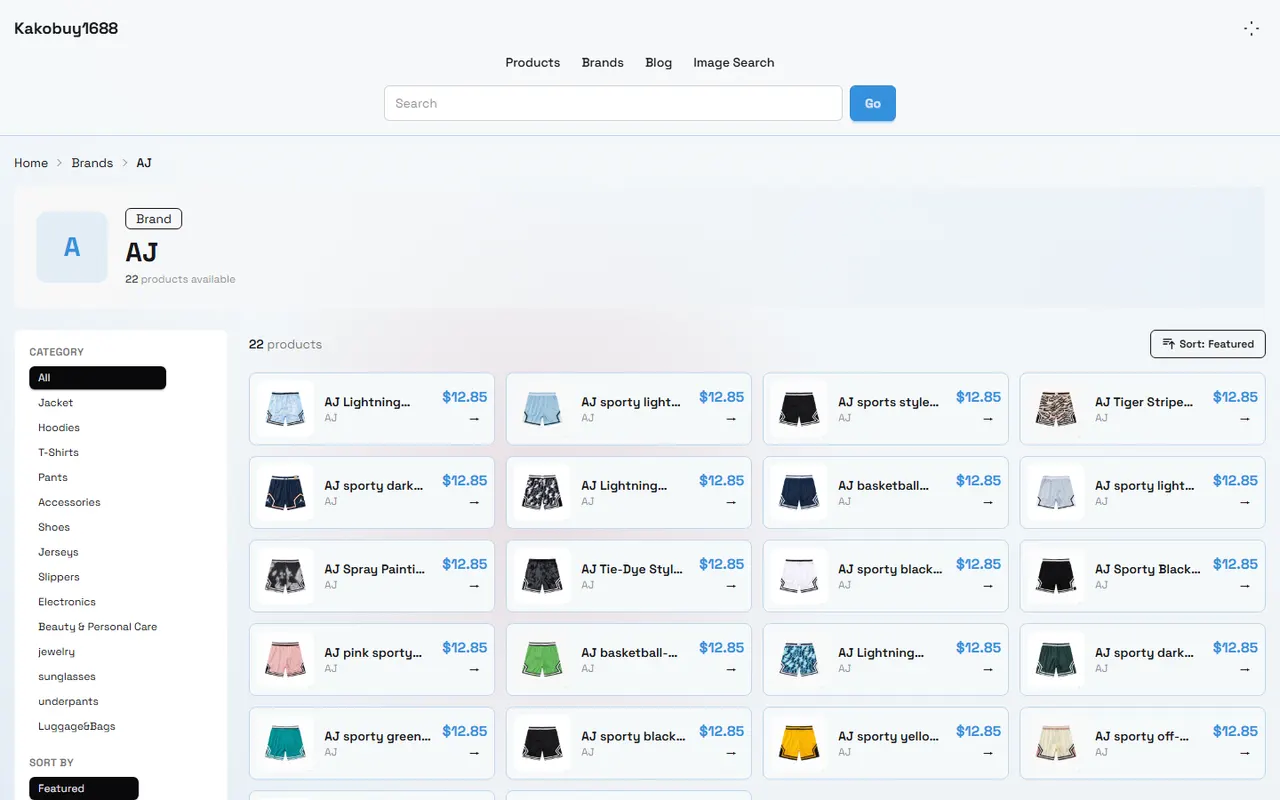
Verification date: September 16, 2026. Button positions on mobile browsers, website tables, and Google Sheets may change with versions, account permissions, and page updates.
First, define the search tasks to complete on mobile
Break down "finding travel slippers" into several actionable steps:
Find slipper candidates related to travel, indoor, hotel, or lightweight wear.
Record the product name, product link, color, size, and displayed price.
Check whether the product images are sufficient to judge the sole, upper, and structure.
Mark details that cannot be confirmed on mobile to avoid ordering based solely on thumbnails.
Reopen the product page before ordering to confirm that information has not changed.
The screening focus for travel slippers isn't just appearance. You should at least pay attention to whether the sole looks suitable for the target scenario, whether it is easy to pack, whether size information is complete, and whether the product page is still accessible. For scenarios requiring long walks, outdoor water exposure, or special anti-slip requirements, mobile product lists alone are usually insufficient to make a judgment.
kakobuy is a Chinese product purchasing, freight forwarding, and quality inspection service that helps global users buy products from Chinese e-commerce platforms. Product costs, international shipping fees, and customs fees are separate components. The product price seen during initial mobile screening cannot be directly equated to the final landed cost.
Categories, search, and return paths in the kakobuy website Spreadsheet
When using the website Spreadsheet on kakobuy1688.org, it's best to treat it as an "entry point for discovery and initial organization", not the final basis for ordering. When first opening, confirm that the current page displays complete headers, filter controls, and product records before starting your search.
Recommended path:
Open the website Spreadsheet and confirm that the current table is indeed a product record page, not a blank page, tab page, or incomplete result after filtering.
Use the existing categories or search entry on the page and try natural word variations like travel, slippers, indoor slippers, sandals, etc.
Look at the product name and thumbnail first, then open the candidate details. Don't save a product just because one keyword matches.
After returning to the table, note the candidate's position or product identifier to avoid losing the original record after repeated scrolling.
If the filter conditions disappear after returning to the page, immediately transfer the candidate information to your own record sheet.
Mobile screens are narrow, category names may be truncated, and horizontal scrolling may hide price, size, or link columns. When you see incomplete fields, open the details or switch to landscape mode to view them, don't treat the hidden parts as "no information".
If search results are empty, first check keyword spelling, filter conditions, and network status, then try a broader term. Don't interpret empty results as kakobuy not having relevant products, because results may also be affected by page updates, categorization methods, or current filter conditions.
How to find and filter records in Google Sheets on mobile
Google Sheets is more suitable for saving candidates you've already selected, especially when you need to add notes, compare groups, or manage along with other purchasing records. Common mobile operations include in-sheet search, filter views, freezing header rows, and editing cells, but specific button names may vary by app version.
You can create a lightweight record sheet with these fields:
Product name
Product link
Displayed price and currency
Color
Size information
Sole or upper description
Whether images are clear enough
Page verification date
Pending questions
Whether to proceed to next step
When using the search function, prioritize searching for core words in the product name, then narrow down with color or material descriptions. When using filters, don't set too many conditions at once, or you might mistakenly think records have disappeared. After each filter, confirm that the filter icon or indicator is still active.
Google Sheets' advantage is sustainability. You can separate items into "pending verification", "comparable", and "not considering for now", and update the verification date when the page changes. But it does not automatically guarantee that product links are valid, prices are accurate, or stock is sufficient, so old records in the sheet cannot replace reopening the product page.
Comparing zoom, scrolling, image preview, and link opening steps
The key difference between the website Spreadsheet and Google Sheets on mobile lies in the emphasis on "discovering products" versus "managing records".
Comparison Item | kakobuy Website Spreadsheet | Google Sheets Mobile |
|---|---|---|
Initial discovery | Better for starting from existing product records on the website | Suitable for searching candidates you have already saved |
Horizontal reading | May need to drag the page to view hidden columns | Can improve reading through zooming, freezing headers, or adjusting column width |
Image preview | Depends on current website display; thumbnails may not be sufficient to judge details | Depends on whether images, thumbnails, or links are saved in the sheet |
Opening product page | Usually requires entering details or external pages from the product record | Requires clicking a link in a cell and returning to the sheet |
Notes management | Limited by website fields and permissions | Suitable for adding pending verification items, dates, and comparison conclusions |
Information timeliness | May update with website records | Tends to retain old prices, old links, or outdated statuses |
When viewing images on mobile, zoom in on the whole image first, then observe the sole, upper seams, opening, and size reference. If the image is just a small thumbnail, you cannot judge material thickness, actual weight, or anti-slip performance from it. Image observation can only explain what is visible in the picture and cannot replace physical inspection.
After opening a link, it's recommended to use a loop of "view product page, return to record, update verification date". If the page position changes after returning, you can copy the product name or unique identifier first, then use in-sheet search to return to the original record.
How to keep reviewable clues for travel slipper candidates
For each candidate, keep at least one reviewable clue, rather than just a vague description like "white slippers". A more reliable record is: product name plus product link, plus the price, color, size, and one pending question you saw on that day.
For example, notes can be written as:
"Page shows black, size info needs re-confirmation, viewed 2026-09-16."
"Sole image unclear, cannot judge if suitable for bathroom use."
"Price is product price only, excludes China domestic shipping, international shipping, and possible customs fees."
"Link opens, but stock status needs recheck before ordering."
If the candidate comes from the website Spreadsheet, keep the original product link and page name; if the candidate is already in Google Sheets, add your own comparison fields. Don't just save screenshots, because screenshots may lack links, currency, update time, or complete size information.
kakobuy's total cost usually consists of product cost, international shipping, and customs fees. Product cost includes the product price and the China domestic shipping from the seller to the kakobuy warehouse; international shipping depends on weight, shipping method, and destination region; customs fees depend on the shipping method, with the example usually given as RMB 8. The final amount should be based on the actual checkout page.
How to mark details you can't see on mobile for verification
The most common misjudgment on mobile is treating "not displayed" as "no problem". It's recommended to explicitly write down unconfirmed items as pending verification, rather than leaving them blank and filling in based on assumptions.
Common pending verification items include:
Whether the size chart is complete, and whether it uses centimeters or other units.
Specific materials of the upper, sole, and lining.
Sole pattern, thickness, and applicable scenarios.
Whether colors differ due to screen display.
Whether there is stock, and whether the current purchase method is supported.
Whether the product is a special or restricted item.
Whether the images are of the current product, not a similar or variant image.
Whether the page price has changed, and whether it still includes seller-side shipping.
After products are stored in the warehouse, kakobuy's inspection service mainly checks style, quantity, color, size, and model, and screens for prohibited items. Sealed packaging or items with sealing labels in some non-clothing, non-bag, and non-shoe categories may be inspected without opening according to the no-unsealing rule. Therefore, leaving a clear checklist during initial mobile screening helps later determine whether warehouse information covers your concerns.
If you need to view QC photos, refer to the actual photos provided on the warehouse or order page. QC photos are typically used to verify visible appearance information and do not guarantee material performance, wearing comfort, or long-term durability.
When to use website, sheet, or a combination
If you just want to quickly find a few travel slippers, prioritize using the website Spreadsheet for initial screening; if you've accumulated multiple candidates or need to compare colors, sizes, prices, and notes, using Google Sheets is more convenient; the safest approach is usually a combination: website for discovery, Google Sheets for recording and rechecking.
You can divide tasks as follows:
Website Spreadsheet: find candidates, open product pages, confirm current page information.
Google Sheets: save links, record verification dates, compare candidates, manage to-dos.
Product detail page: confirm current name, variants, price, size, and availability.
Warehouse QC info: check visible appearance, quantity, and style after storage.
Checkout page: confirm product cost, international shipping, customs fees, and available discounts.
If you just want a pair of temporary indoor slippers, maintaining a complex sheet may increase time cost; if you're buying multiple items and considering consolidation, keeping records is more valuable. Consolidation may reduce repeated first weight or operational costs, but may also increase volumetric weight, package value, and risk of loss in a single shipment. Whether to consolidate should be calculated based on actual weight, route, package value, and destination country requirements, not just the assumption that "consolidation is cheaper".
Pre-order recheck actions on mobile
Before placing an order, reopen each candidate product page and perform an independent recheck:
Confirm that the product name matches your previous record.
Re-select color and size, and check for variant restrictions.
Verify the current product price, China domestic shipping, and displayed stock status.
View images and size descriptions, and fill in previously marked pending verification items.
Confirm that the product link opens normally, not a redirect, blank page, or dead link.
Record the new verification date and delete outdated notes.
Estimate the total cost after all components, don't treat the product page price as the final landed price.
Keep the order number after submitting, but do not share order, payment card, passport, or complete shipping label information in public.
If you use new user discounts or shipping coupons, confirm the applicable conditions, validity period, and actual discount amount at checkout. Provided information shows that kakobuy new user registration may include RMB 3000 worth of shipping coupons and an RMB 100 no-threshold shipping coupon, with redemption code kakobuy888; these offers are time-sensitive and must be verified on the account and checkout page before use.
The most time-saving approach for mobile screening of travel slippers is not switching back and forth between two tools, but letting each tool handle a clear task: website finds candidates, sheet keeps evidence, product page does final confirmation. This reduces repetitive scrolling and searching, and helps identify gaps in size, images, links, or costs earlier. 📱🩴✅
Agent Platform Shopping FAQ
1. What exactly are QC photos on kakobuy?
kakobuy has a professional quality inspection team. When your items arrive at kakobuy's warehouse, the team conducts quality checks and takes QC photos for each item, usually three photos. The inspection includes verifying that the color, size, specifications, and quantity match your order, and checking for potential quality issues. Note that electronic products only undergo appearance inspection, not internal functionality testing. If quality defects or specification mismatches are found, kakobuy will immediately request a return from the seller to ensure you receive quality products.
2. Why does kakobuy recommend not using Google Sheets?
Google Sheets is suitable for handling data for a small number of products, but as the number of products increases, its loading speed significantly slows down, and system lag becomes noticeable. Especially on mobile devices, the visual effect is poor and finding products is extremely inconvenient. In contrast, kakobuy's built-in spreadsheet loads faster for the same product set and offers a better user experience.
3. How to correctly analyze QC photos on kakobuy?
When viewing QC photos provided by kakobuy, focus on the key features of the purchased product. For example, for shoes, check the stitching on the toe, heel, and tongue, overall structure, and tongue thickness to judge quality. For clothing, check details like collar labels, logo embroidery, fabric texture, and evenness of collars and cuffs.
4. What product categories are available on kakobuy's website?
kakobuy offers a variety of product categories, including shoes, T-shirts, sweaters, hoodies, jeans, sweatpants, shorts, board shorts, factory clearance items, down jackets, baseball shirts, shirts, hats, jewelry, bags, electronics, sunglasses, socks, underwear, and trendy collectibles.
Browse our latest products and find your next favorite item.